Get to the right evidence
Bring operating records, documents, and project history together so teams can inspect the source behind an answer.
Who we serve Electric Utilities
Connect engineering, asset, procurement, and customer work around your utility’s records. Turn scattered information into a clear next step, with your team in control.
Explore the solutions
Built around the tools
your team already uses.




Bring operating records, documents, and project history together so teams can inspect the source behind an answer.
Apply the same checks to each package. Keep missing information, exceptions, and the review owner visible.
Let AI prepare the comparison, brief, or handoff. Your specialists stay responsible for the decisions that follow.
Estimated value of U.S. energy projects waiting to connect to the grid1
To receive a large power transformer2
In global data-center investment projected through 20303

Start with the records, procedures, and operating knowledge your team relies on.
Define the output, the permitted actions, and the person who reviews the result.
Test representative cases. Inspect failures. Agree what needs to be true before the next stage.
Custom AI Models
Adapt approved models to the records, terminology, and decisions in a defined utility workflow. Connect operating context, set the review criteria, and test the approach with your subject matter experts.
Explore custom AI
Example workflow: an MPT-1 transformer fails its factory test. Corvana Agent checks the supplier’s email, the Primavera P6 schedule, the SAP purchase order, and the supplier portal. It highlights the revised 9 March shipment and the corresponding change to the 30 March energization milestone. A human reviews proposed schedule changes.
Example workflow · Human review before changes
Corvana Agent
Gather the right records, prepare a plan, and carry the findings into an engineering brief or next action. Corvana Agent connects the steps while named owners retain approval.
Explore Corvana AgentBenchmarks
Compare models and workflows on representative utility tasks. Inspect source grounding, completeness, and failure cases against agreed criteria, then decide what is ready to move forward.
Explore benchmarksFollow an illustrative transformer review from the approved requirement to the exceptions your engineer needs to resolve.
From the requirement to the review
Compare supplier offers with your design basis. Trace each difference to the record your engineer needs to review.
Scroll to follow the review
Approved specification TR–17 · Revision C
 Basis: 138/34.5 kV · 75/100 MVA
Approved design basis loaded
Engineering and procurement review together
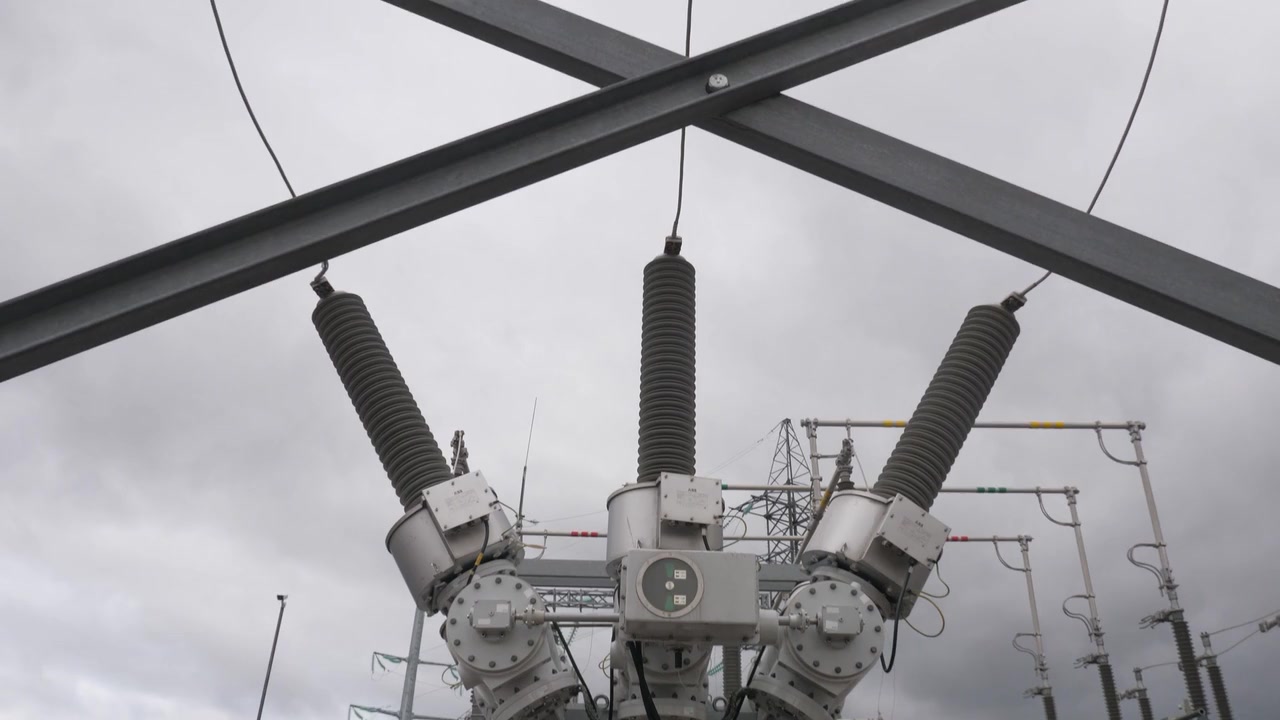
TX–01 · 138/34.5 kV, 75/100 MVA
Example specification and supplier records. Geometry represents a transformer, not a manufacturer’s certified arrangement. Corvana prepares the comparison; the equipment engineer and authorized buyer make the decision.
From the asset record to the customer conversation, start with a defined workflow and a useful work product. Explore the solutions inside your utility.
Watch Corvana connect Maximo, PI and GIS, prepare an engineering brief in Word, coordinate an approved handoff in Teams, and reconcile the returned completion evidence.
Compare specifications, supplier bids, lead times, and exclusions. Give buyers and engineers a shared view of what meets the requirement and what needs clarification.
Bring engineering, land, permits, supply, funding, crews and network access into one delivery review. Follow the work from the first need to energization, handover and final closeout.
Give customers an answer grounded in their account and your policies. Carry the explanation, next step, and case history through to the person who needs them.
Check application completeness, track missing evidence, and prepare the next review. Keep the utility requirement, applicant response, and engineering decision connected.


Built around your context. Connected through your workflow.
Bring approved models, operating knowledge, and task-specific evaluation together for a defined workflow.
Explore custom AICorvana Agent · Watch the workflowConnect the records, prepare a plan, and carry work through to the person who approves the next step.
Explore Corvana AgentTest models and workflows against representative tasks, expert review, and clear acceptance criteria.
Explore benchmarksThe workspace being built to bring source records, agent work, and review decisions into one view.
Explore CorvanaOSStart with a defined workflow in asset management, equipment procurement, project delivery, customer support, or interconnection. The engagement connects the relevant records, prepares useful work products, and establishes how people review them.
We assess your source systems, available interfaces, and permissions during scoping. The workflow can connect relevant records from the tools your team already uses, with access boundaries agreed for the engagement.
A model approach tailored to a defined task and your operating context. We assess whether configuration, connected knowledge, or model adaptation is appropriate, then evaluate the result against agreed acceptance criteria.
Your designated owners retain approval responsibility. We define which steps AI may prepare or route, which actions require review, and when incomplete evidence or an exception must be escalated.
We use representative tasks, expected outputs, and expert review to assess accuracy, completeness, source support, and approval boundaries. The findings show what works, where it fails, and what needs improvement before broader use.
Data access, deployment environment, retention, and permitted system actions are agreed during scoping. The selected controls and integration boundaries must meet your requirements before the workflow moves into use.
No. An engagement can use your approved AI tools where they fit the task. Corvana can add connected context, workflow design, and evaluation around them, subject to their interfaces and your permissions.
Bring us a utility workflow. We’ll help define the context, the review, and a practical place to start.
Discuss your workflowWork together
Tell us what your team is working on.
We’ll help you find a place to start.