Corvana Agent

Custom AI agents
for utility workflows.

Built around your records, systems, procedures, and reviewers. Each agent supports a defined task, such as contractor readiness, maintenance-record review, or regulatory-response preparation.

Explore the workflow

Example workflow: an MPT-1 transformer fails its factory test. Corvana Agent checks the supplier’s email, the Primavera P6 schedule, the SAP purchase order, and the supplier portal. It highlights the revised 9 March shipment and the corresponding change to the 30 March energization milestone. A human reviews proposed schedule changes.

From working knowledge to working agents

Everything your agent needs.
Connected to the way you work.

Corvana Agent is a custom workflow delivered through AI Workflow Implementation. CorvanaOS can support design and evaluation, and we can also build on your existing AI tools. The engagement defines the task, connections, review steps, and handover.

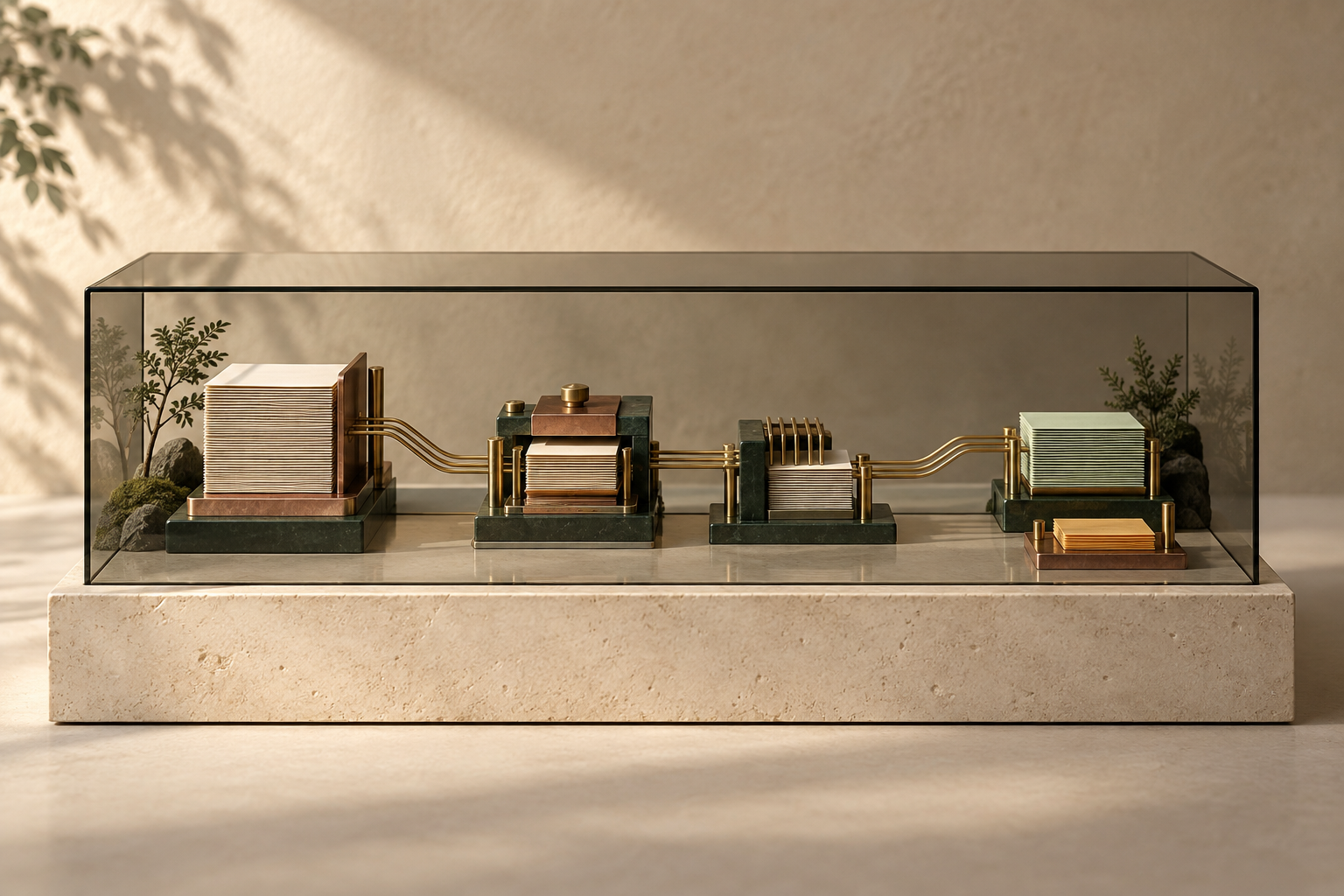
Illustrative technology concept · Customized through an AI Workflow Implementation engagement.

01 / Business context

Start with how your business works.

Define the task, the approved sources, and the decisions that belong to your team. Your records and operating procedures give the agent a practical starting point.

  • Company knowledge and procedures
  • Relevant records and project history
  • Clear responsibilities from the start
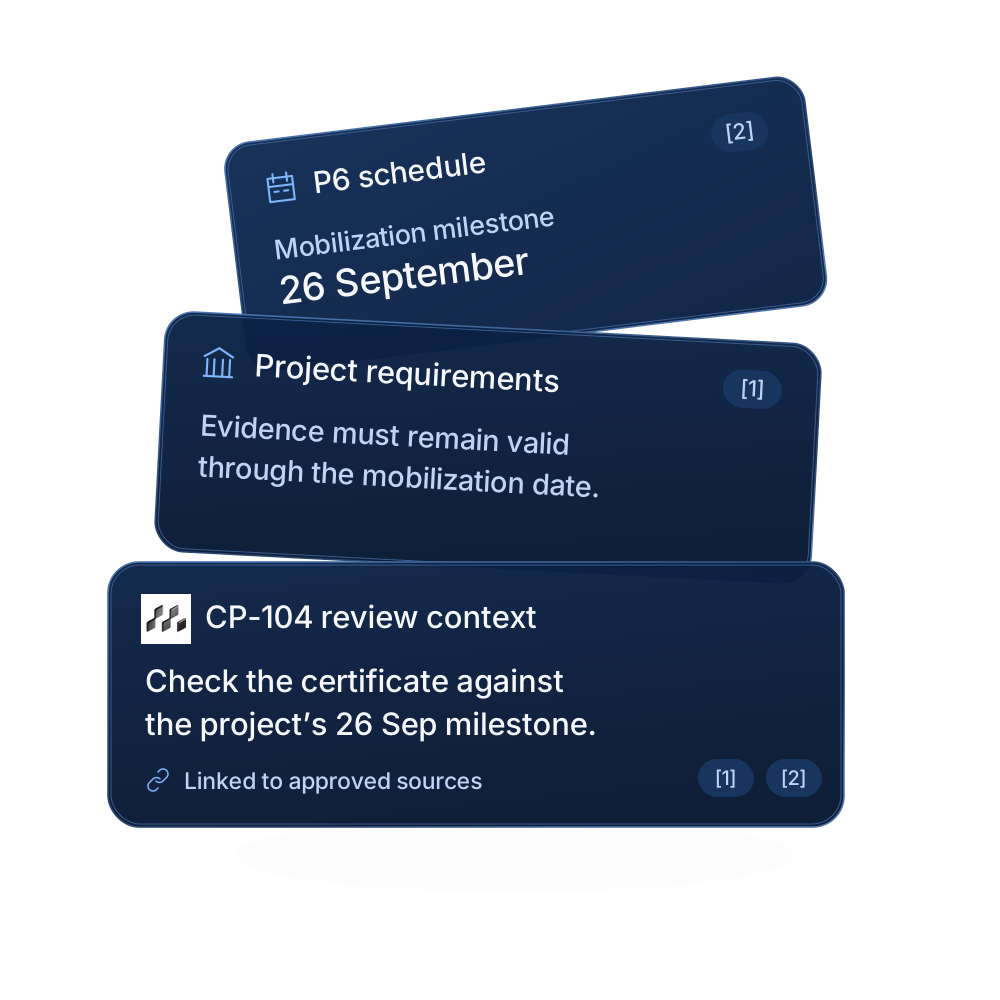
Company procedures, project history, and source references assembled into Corvana Agent context
02 / Workflow design

See the path from request to review.

Make the process visible before putting it into practice. We map the source checks, decision points, and handoffs that turn a request into an outcome your team can review.

  • A shared view of the process
  • Explicit checks and decision points
  • Handoffs to the people who own them
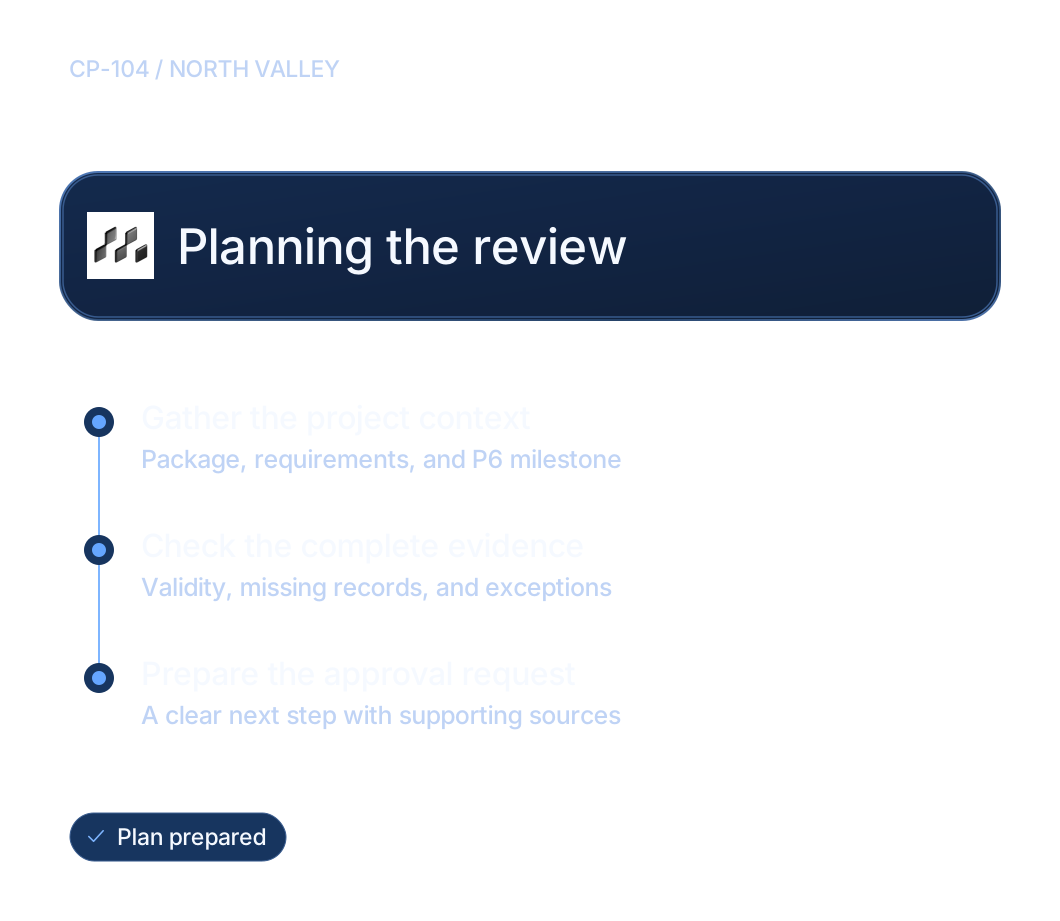
A Corvana Agent plan for reviewing contractor package CP-104
03 / Connected tools

Bring your working context together.

Work with the systems your people already use. An engagement can connect schedules in P6, records in SharePoint, and review requests in Teams and Outlook, with access scoped to the task.

  • Connections scoped to the engagement
  • Source records linked to the result
  • Work prepared in familiar tools
  • Oracle Primavera P6Project schedules
  • SAPBusiness operations
  • IBM MaximoAsset management
  • Esri ArcGISNetwork mapping
  • AVEVA PI SystemOperational data
  • SharePointRecords & documents
Explore CorvanaOS connections
04 / Repeatable work

Make good practice repeatable.

Bring approved procedures into the steps an agent follows. Define what it should gather, what it should check, and when missing evidence means asking a person for help.

  • Approved procedures as the starting point
  • Consistent evidence requirements
  • Exceptions routed for review
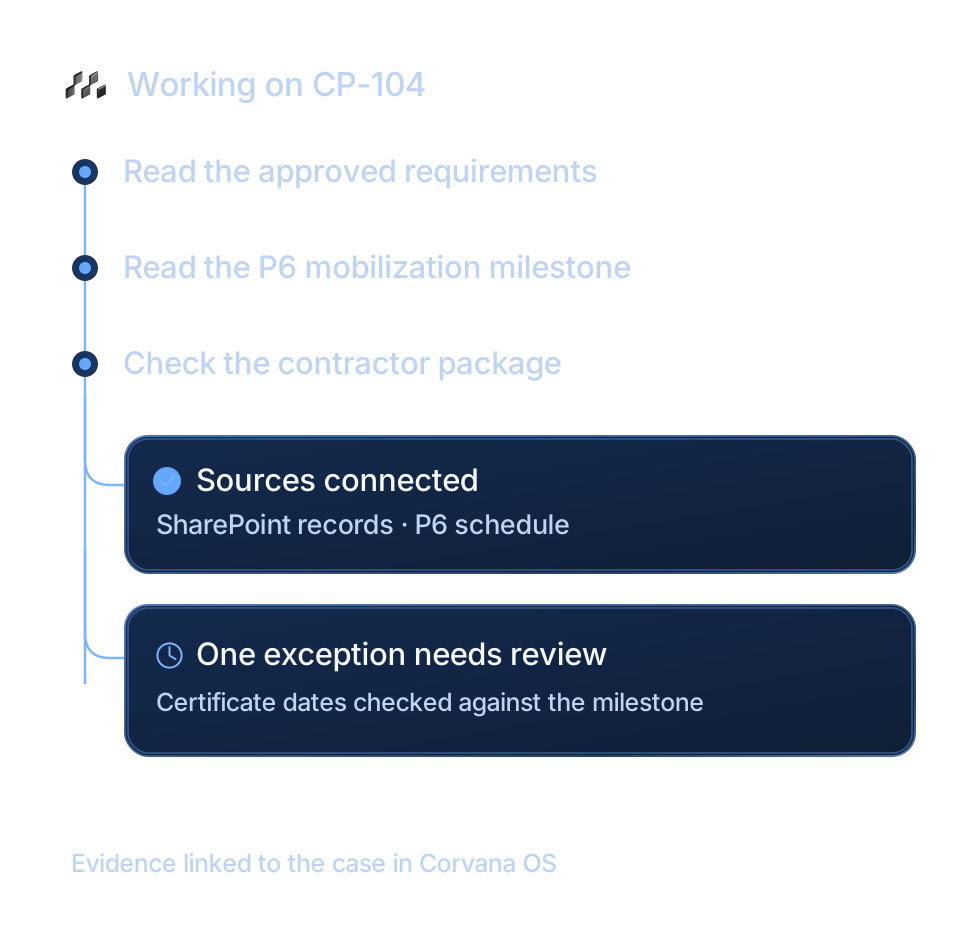
The agent gathers source documents and the P6 mobilization milestone
Explore utility workflow solutions
05 / Testing & evaluation

Practice on the difficult cases.

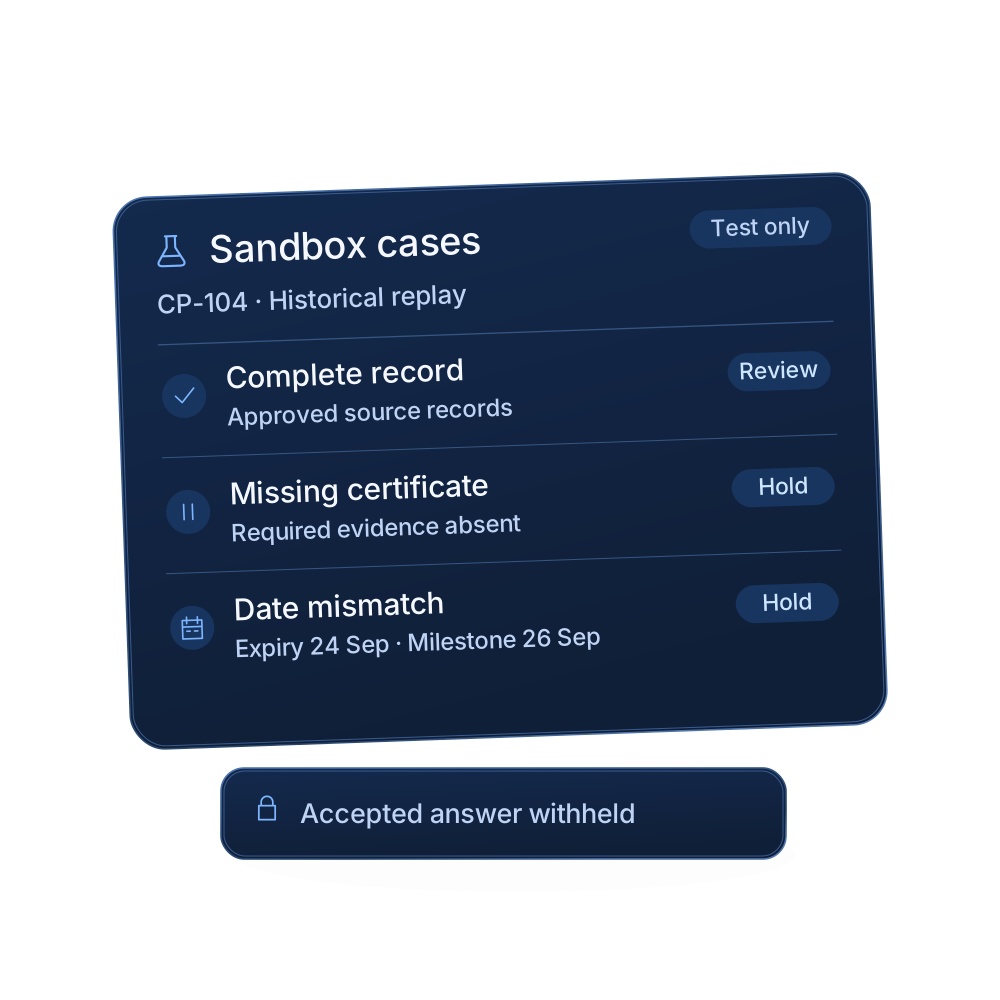
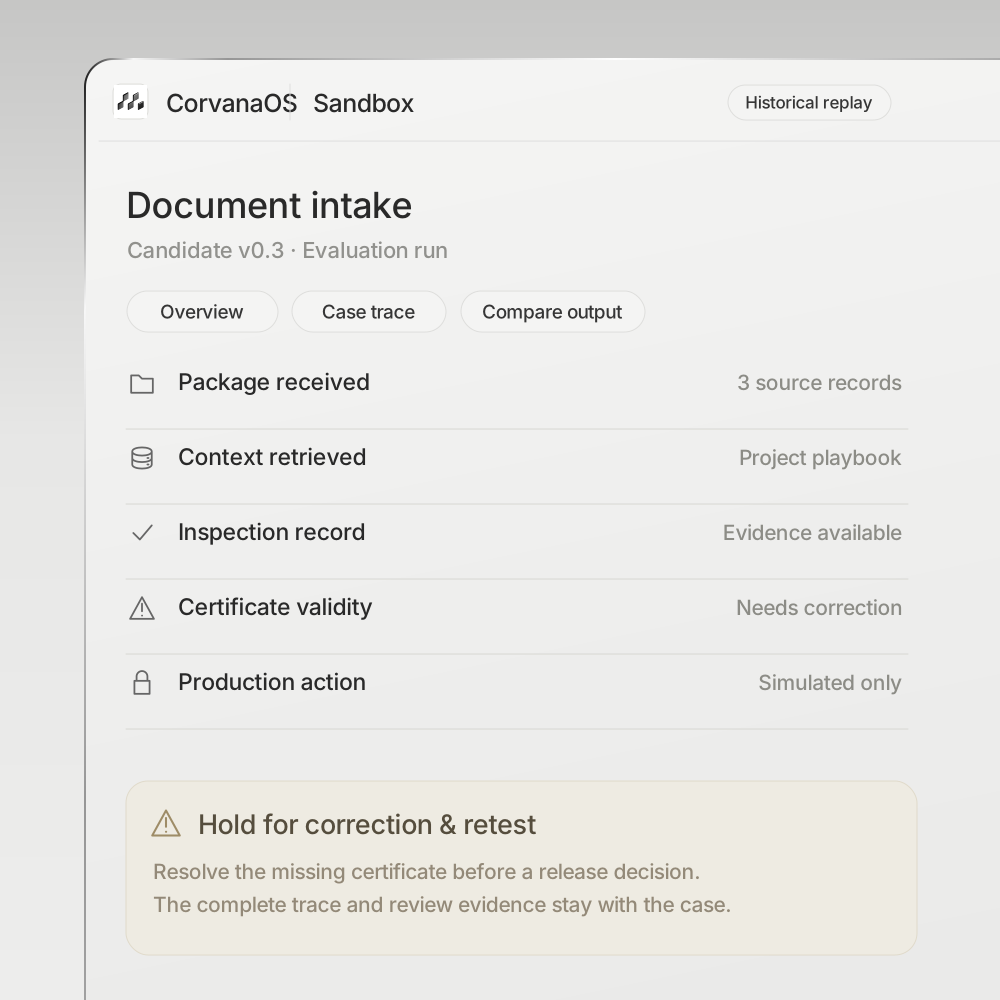
Use representative work to find the limits before a live rollout. Test complete packages, missing records, conflicting dates, and tool failures against acceptance criteria agreed with your team.

  • Representative cases from your work
  • Quality, time, cost, and review effort
  • Acceptance criteria agreed in advance
Sandbox scenarios test complete, missing, and conflicting contractor records
Try a contractor readiness scenario
06 / Evidence & review

Follow the evidence behind a result.

Keep the source behind the answer visible. Reviewers can inspect the records and checks, understand an exception, and decide whether the proposed next action should proceed.

  • References back to source records
  • Exceptions explained in context
  • A person approves the next action
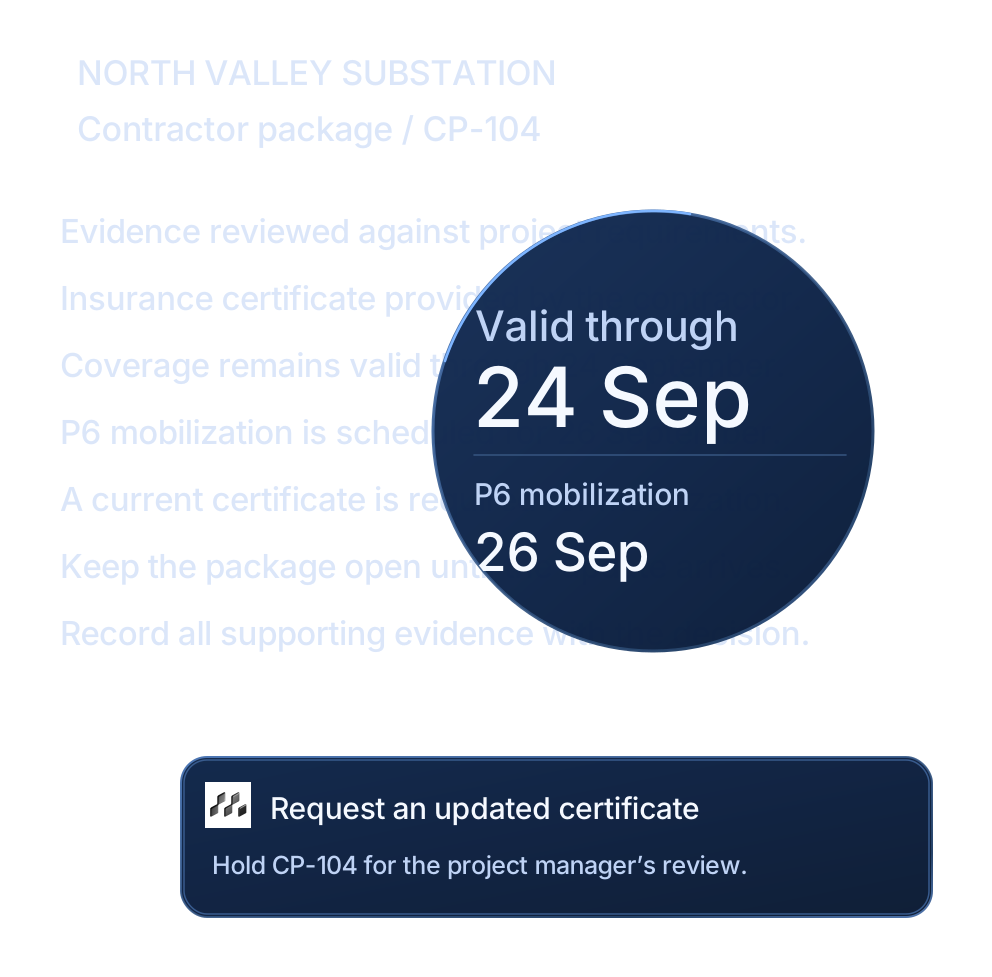
A certificate expiry is compared with the later mobilization milestone
07 / Continuous improvement

Make the next version better.

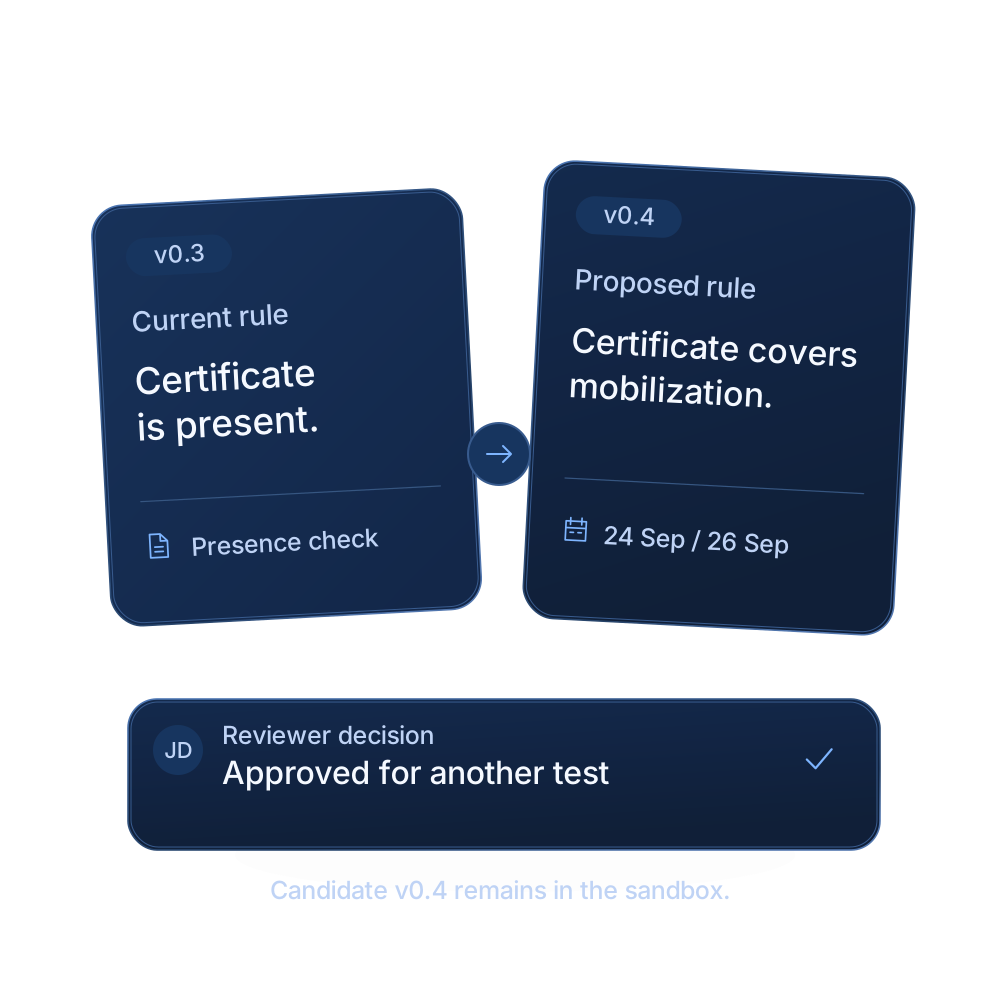
Trace a weak result to its context, instructions, or tool use. Propose a change, compare it against the same cases, and bring the evidence to the workflow owner before the next version is used.

  • Find the source of a weak result
  • Compare changes against a baseline
  • Keep the workflow owner in control
A proposed agent change is compared in the sandbox and held for workflow owner review
08 / Deployment & ownership

Put evaluated work into practice.

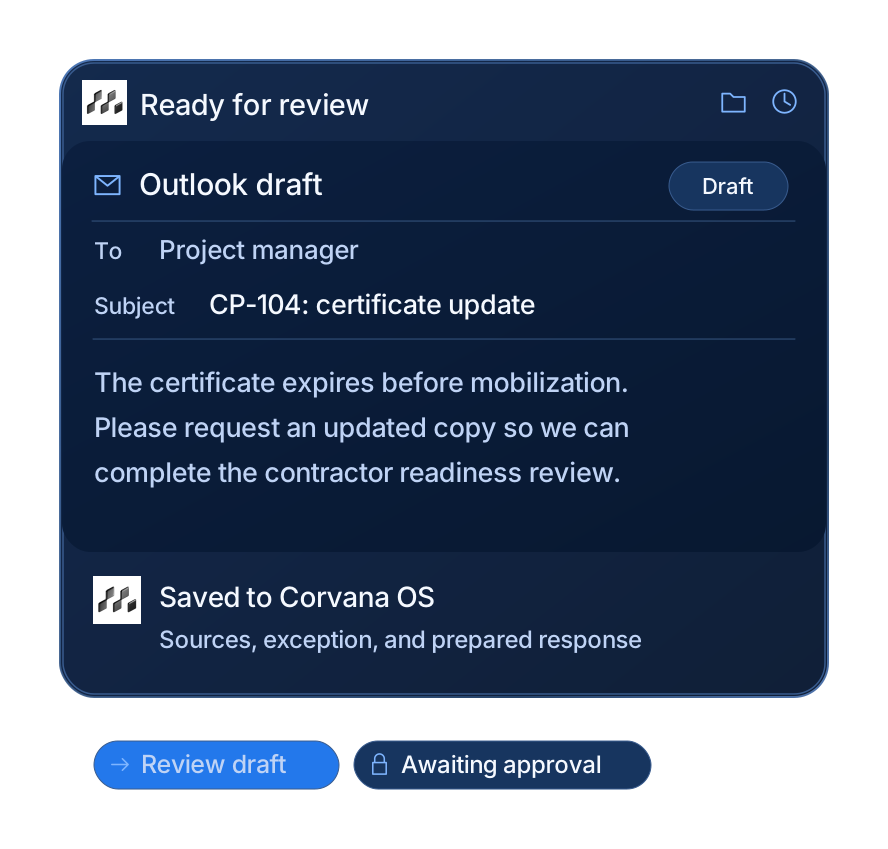
Move from a tested workflow to a scoped implementation. Agree the boundaries, name the reviewers, and prepare the next action where your team works, with a record of what happened in CorvanaOS.

  • A defined scope for implementation
  • Named reviewers and approval steps
  • A record of the work in CorvanaOS
An Outlook request for an updated certificate with a linked CorvanaOS decision record

An agent in your operation

The right next action.
With a person in the loop.

A contractor is due on site. Corvana checks the package against the planned start date, shows the evidence, and prepares the next step. Change the scenario to see how the decision changes.

Contractor readinessIllustrative sandbox

North Valley · Package CP-104

A date that changes the decision.

The certificate expires before the contractor is scheduled to mobilize.

SharePoint
Insurance certificateValid through 24 September
p. 2
Oracle
P6 mobilization milestoneScheduled for 26 September
M-026
Hold for an updated certificateTwo days without valid cover at the planned start.
Microsoft TeamsCapital deliveryApprovals · Teams
Corvana AgentApp

CP-104 has a certificate that expires on 24 September. P6 shows mobilization on 26 September. May I prepare a request for an updated certificate?

2 linked sources · Review in CorvanaOS
Waiting for the named approver

The agent prepares the action. Your team decides whether it proceeds.

Fictional example. This preview simulates the workflow; it does not connect to systems or send messages.

The thinking behind our work.

Explore our research

Built around real work

Start with a workflow
that matters.

Bring us a process your team knows well. We’ll prepare the context, test the exceptions, and implement what the evidence supports.

Discuss a workflow